

Business Platform Features
Whatsapp Business API messaging that's built to scale
Explore solutions for automated messages, customer service engagement, and more with WhatsApp Business API Platform features.
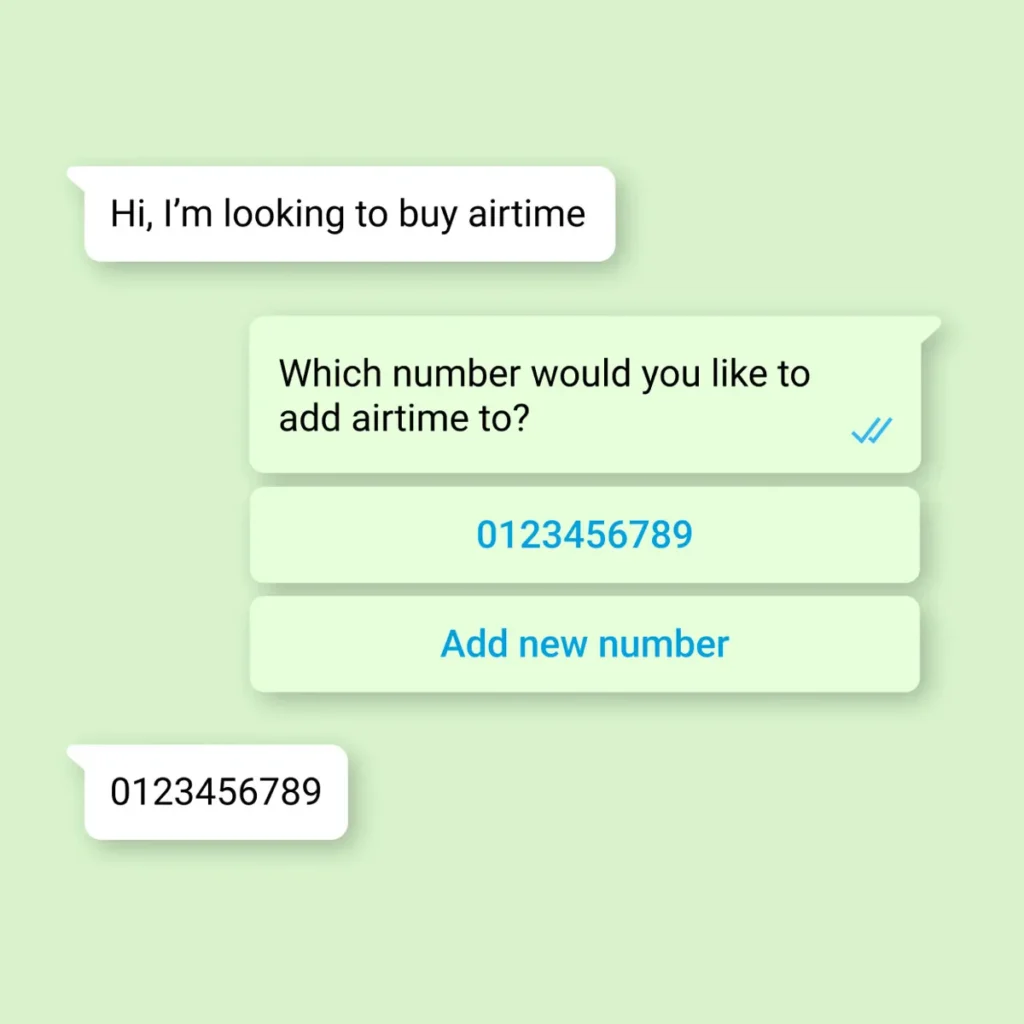
Respond to customer initiated messages
-
Use channels off of WhatsApp to drive organic awareness about your WhatsApp number such as your website, storefront and customer mailings or use paid awareness channels such as Click to WhatsApp
- Then customers can initiate a conversation by messaging your business
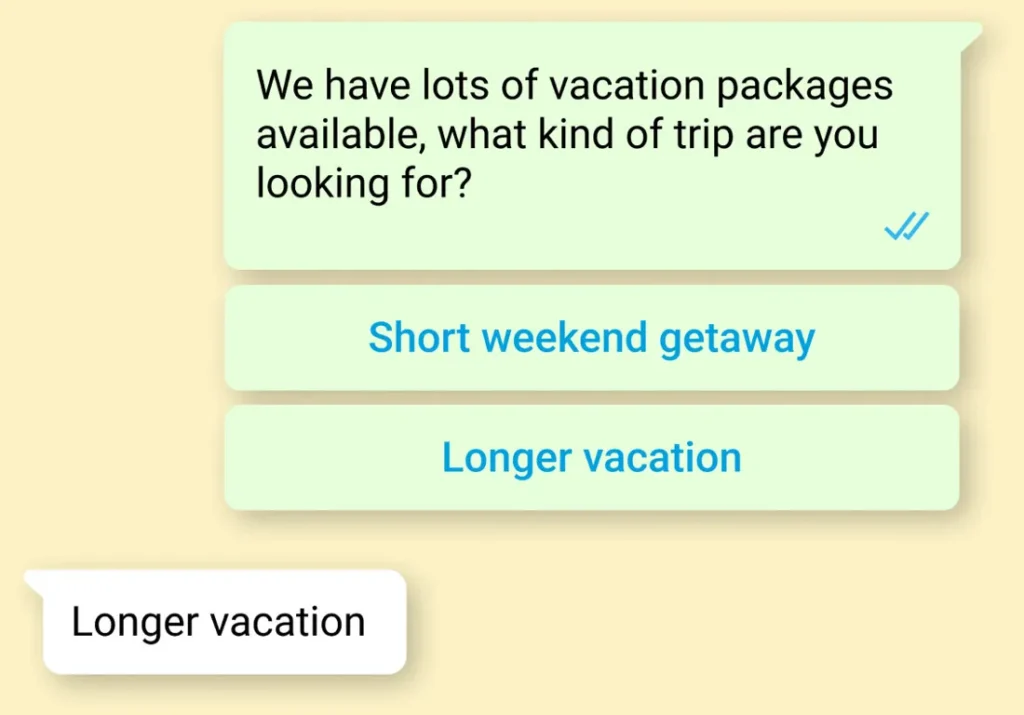
Reach out to customers with business initiated messages across the buyer journey
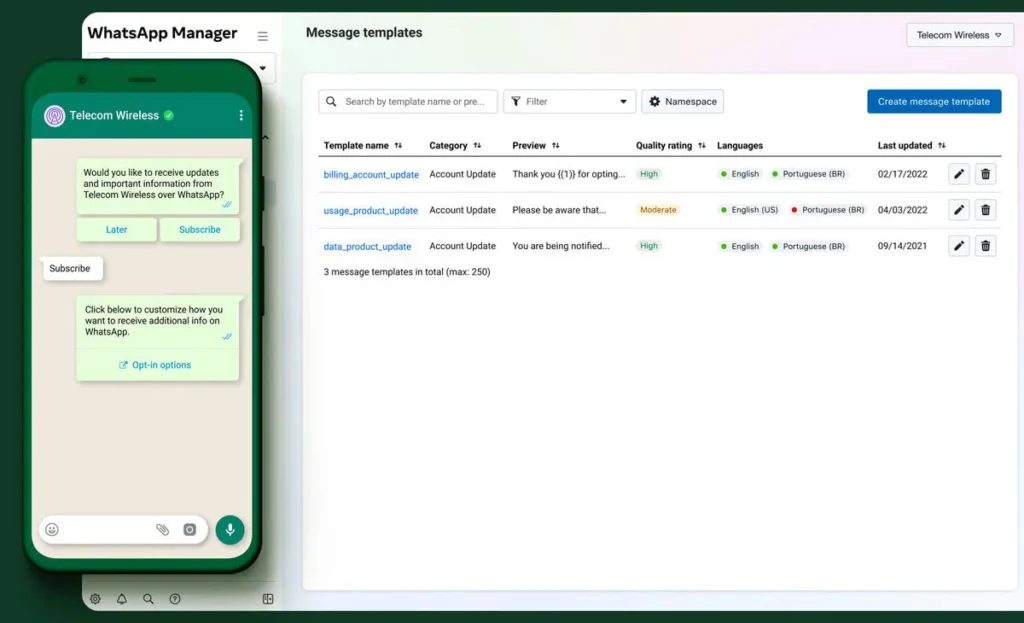
- Once you've secured a customer's opt-in, you can initiate messages to them on WhatsApp
- These messages must be created with customizable message templates and can be text-based, media-based, or interactive
Send feature-rich communications
Send files
Send files, images and locations with media messages
Use native entry points
Use native entry points like a custom button on your website or a QR code on your product packaging to make it easier for customers to start conversations with you
Enable simpler faster responce
Enable simpler and faster responses by using interactive messages, such as List Messages or Reply Buttons to structure responses or provide a clear call-to-action
Accept payments
Accept payments for orders, allowing your customers to pay without leaving the app
Understand message engagment
Understand message engagement on a per-contact level with Read Receipts
Showcase your product and service
Showcase your products and services using Multi-Product and Single Product Messages
Take the next step
Deliver compelling experiences at scale with the WhatsApp Business Platform.